The “Quick Launch” plugin, one of our leading WordPress plugins, is the simplest way to present a lot of information in a small space.
Use it to promote selected products and important sections of your site, while giving visitors the quickest possible access to your contact details.
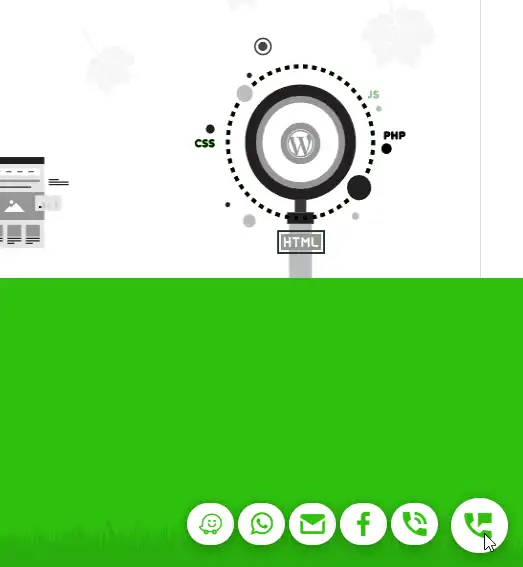
A single main icon holds everything. Hover over it and more icons open, each one showing different information.
For example: a URL, a shortcode, custom content, a promotion for one of your products, your social media — anything you want to put in front of your visitors.
The plugin includes design options, is mobile-friendly and fully supports RTL,
making it a complete solution for site owners who want an effective way to present important information in an accessible, attractive way.
What can the “Quick Launch” plugin do?
It displays a main button or icon. Hovering over the main button or icon reveals additional buttons or icons.
The additional icons can display many kinds of content:
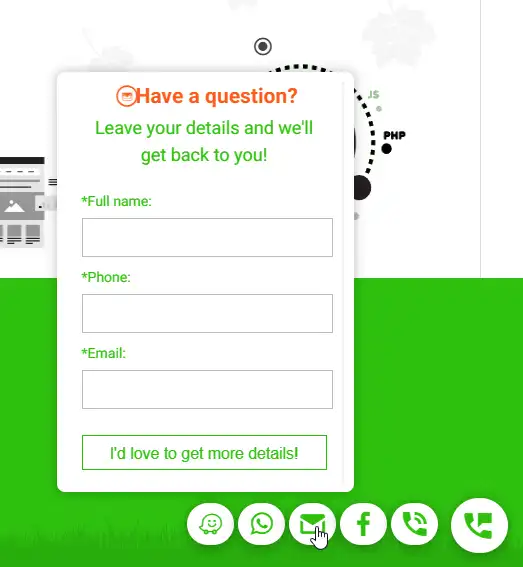
- Content: add any text, image, background — any content you like. The content appears in a floating “display panel” above the icon.
Display panel design: choose the background colour and the border colour and width. The panel keeps a fixed size, with internal scrolling. - Shortcode: like the Content option, but the “display panel” holds a shortcode. Recommended for contact forms.
- Internal link: choose any link on your site (use it to promote specific posts, products or any page on your site).
- URL: like the internal link, this promotes specific content — but for links outside your site.
- Social media: add any social network using your “page name”. (Each network includes instructions for finding your “page name”.)
If that doesn’t work for you, simply use the URL option instead.